Grid
CSS Grid Layout excels at dividing a page into major regions or defining the relationship in terms of size, position, and layer, between parts of a control built from HTML primitives.
display: grid;first
.container { display: grid; grid-template-columns: 100px auto 100px; grid-template-rows: 50px 50px; grid-gap: 3px;}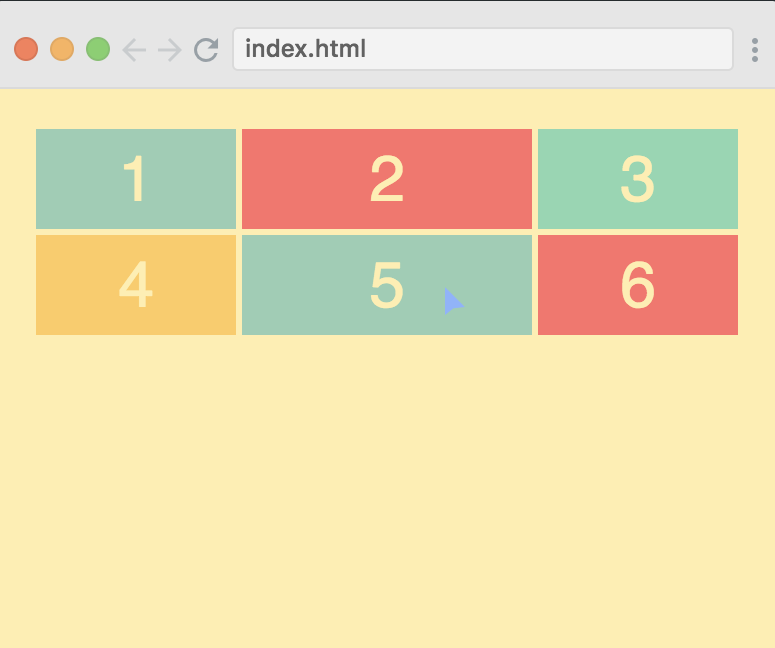
.container { display: grid; grid-template-columns: 100px auto; grid-template-rows: 50px 50px 200px; grid-gap: 3px;}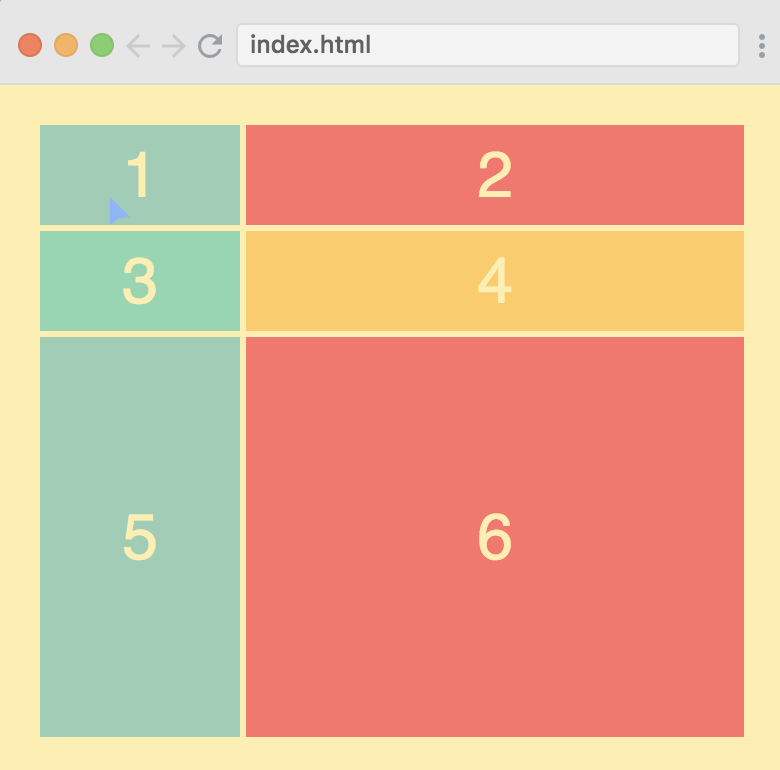
fraction unit
.container { display: grid; grid-template-columns: 1fr 2fr 1fr; grid-template-rows: 50px 50px; grid-gap: 3px;}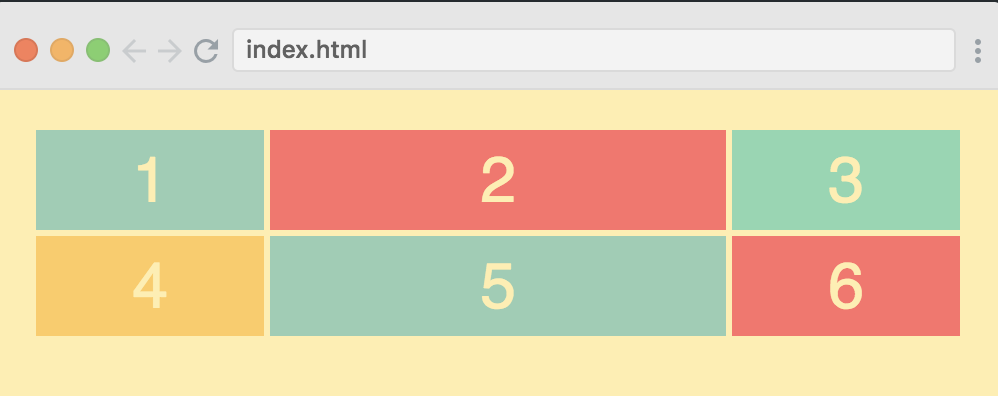
repeat
grid-template-columns: repeat(3, 1fr);grid-template-rows: repeat(2, 50px);grid-template: repeat(2, 50px) / repeat(3, 1fr); // same aboveposition items
.container { display: grid; grid-gap: 3px; grid-template-columns: repeat(12, 1fr); grid-template-rows: 40px 200px 40px;}.header { grid-column: 1 / -1;}.menu { grid-row: 1 / 3;}.content { grid-column: 2 / -1;}.footer { grid-column-start: 1; grid-column-end: 13; // the same // grid-column: 1 / span 12; // the same // grid-column: 1 / -1;}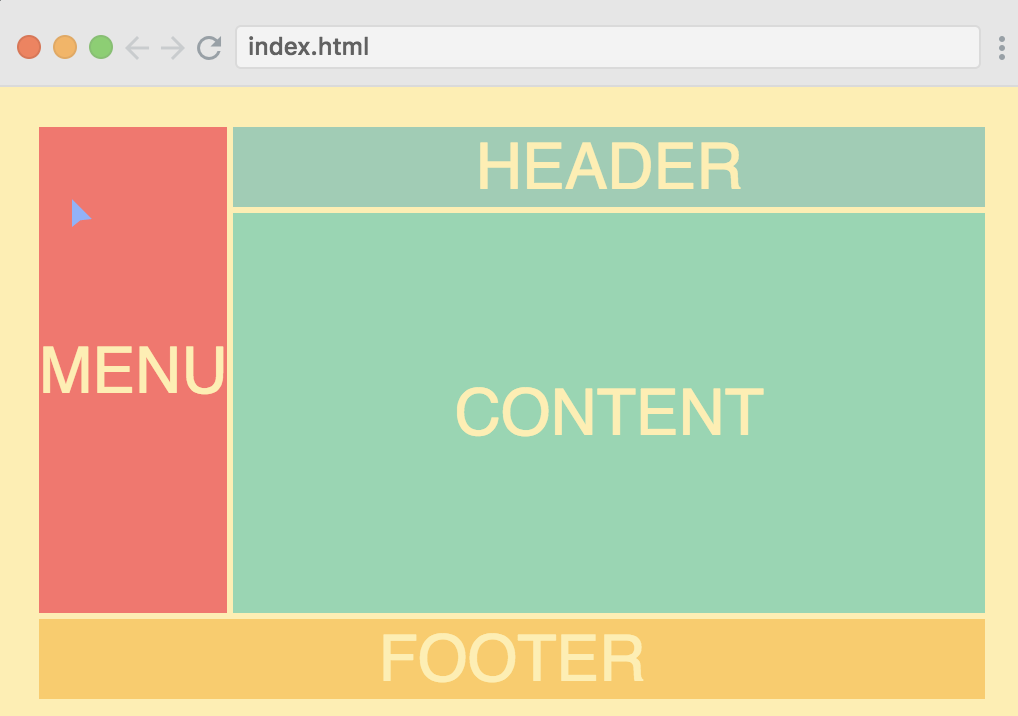
summary
以上例子的 container 是不指定宽高的, 但 container 的宽总是等于父控件, container 的高是子控件高度之和.
不指定宽高的 div, 在横向布局中, 设置为 1fr 或 auto 是会撑满横向的, 但在竖直方向设置 1fr 或 auto 是不起作用的, 此时子控件总是最矮.
如果设置了宽高, 那么 fr 或 auto 会按比例布局.
.container { height: 100%; display: grid; grid-gap: 3px; grid-template-columns: repeat(12, 1fr); grid-template-rows: 40px auto 40px;}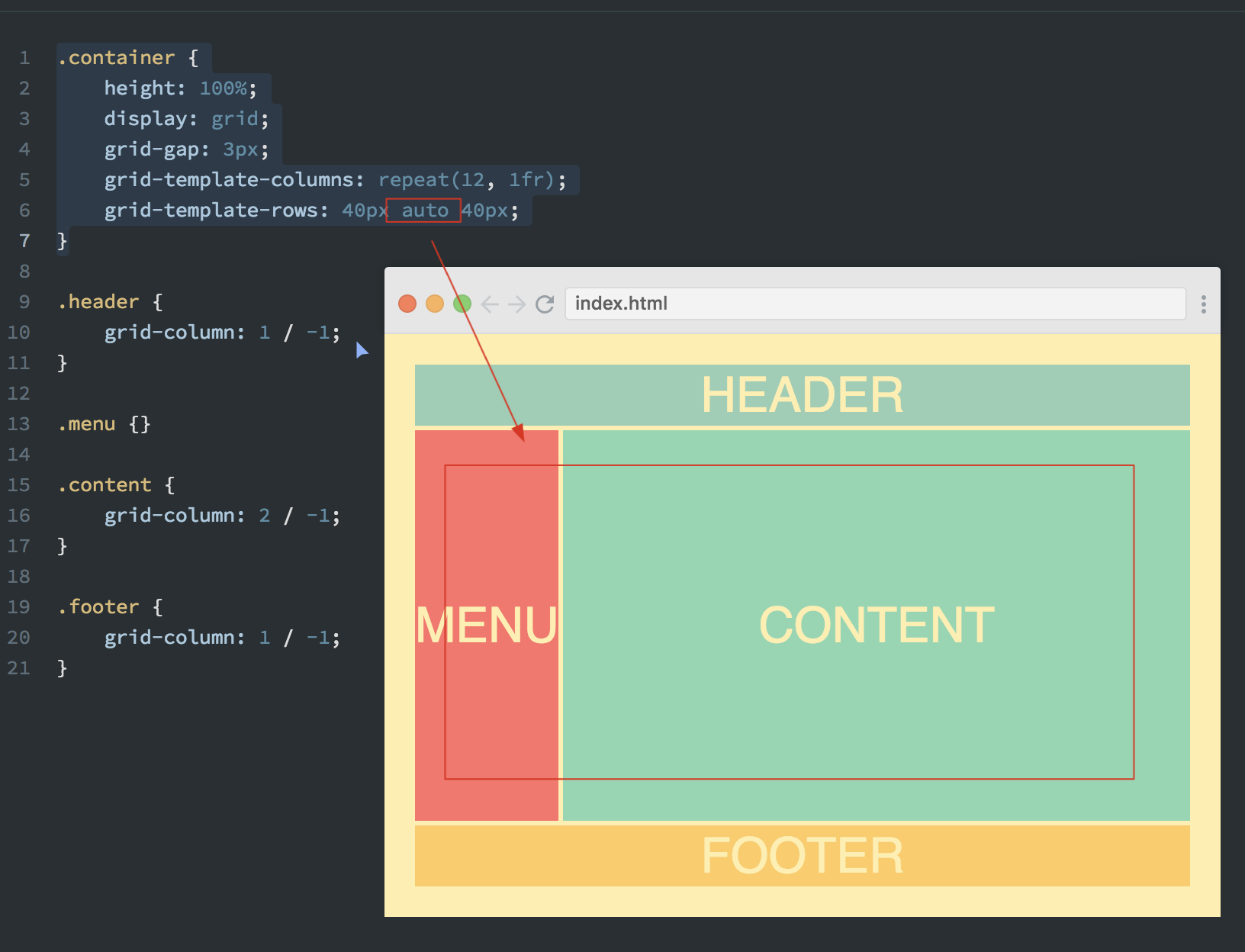
Template areas
.container {    height: 100%;    display: grid;    grid-gap: 3px;    grid-template-columns: repeat(12, 1fr);    grid-template-rows: 40px auto 40px;    grid-template-areas:        "m h h h h h h h h h h h"        "m c c c c c c c c c c c"        "f f f f f f f f f f f f";}
.header {    grid-area: h;}
.menu {    grid-area: m;}
.content {    grid-area: c;}
.footer {    grid-area: f;}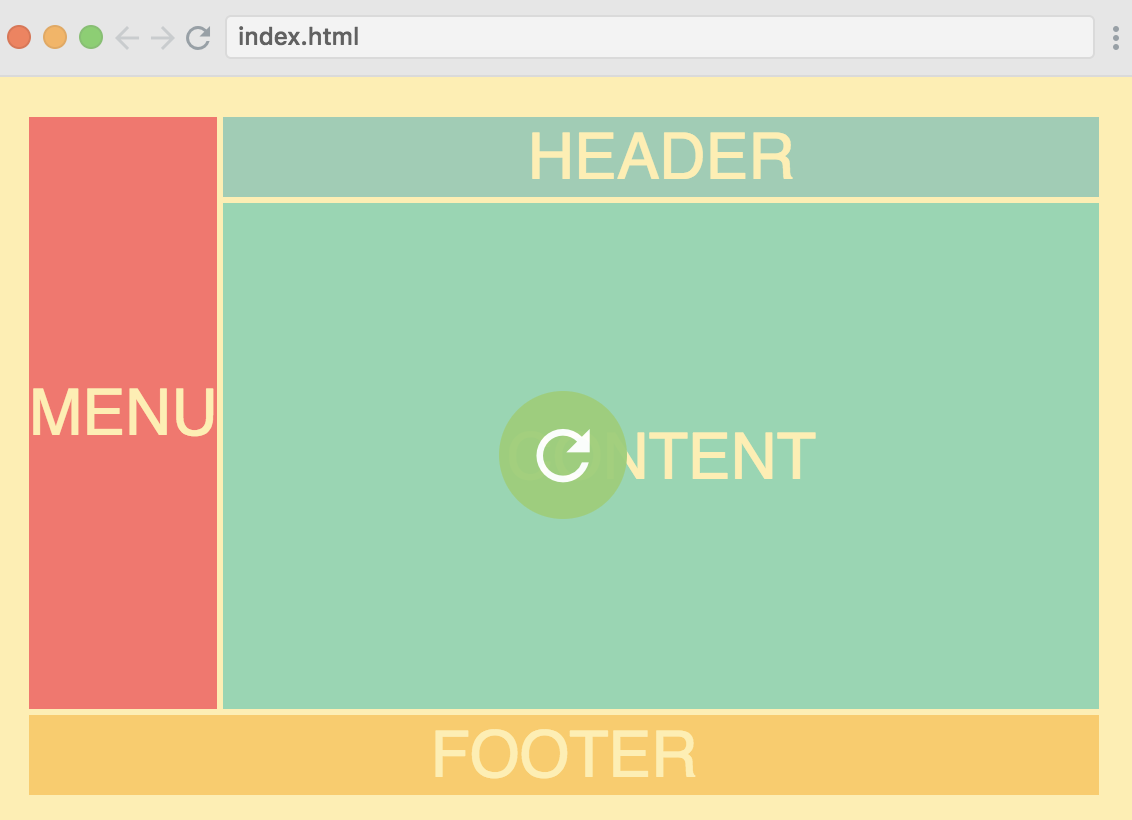
使用点来占位:
grid-template-areas: ". h h h h h h h h h h ." "m c c c c c c c c c c c" ". f f f f f f f f f f .";Autofit and minmax
grid-template-columns: repeat(6, 100px);grid-template-rows: repeat(2, 100px);这种布局子控件大小 100x100, 一排6个, 共2排.
grid-template-columns: repeat(6, 1fr);使用 fr 那么子控件将会一排6个平均父控件宽度, 但这种还是不够 responsive, 如果屏幕父控件太小那么每个缩的都很小, 如果父控件很长, 那么每个也很宽.
grid-template-columns: repeat(auto-fit, 100px);使用 auto-fit 可以解决自动 wrap 的问题, 如下图. 但还不完美, 宽度是死的, 不够 responsive, 图中明显可以看到右侧有余地.
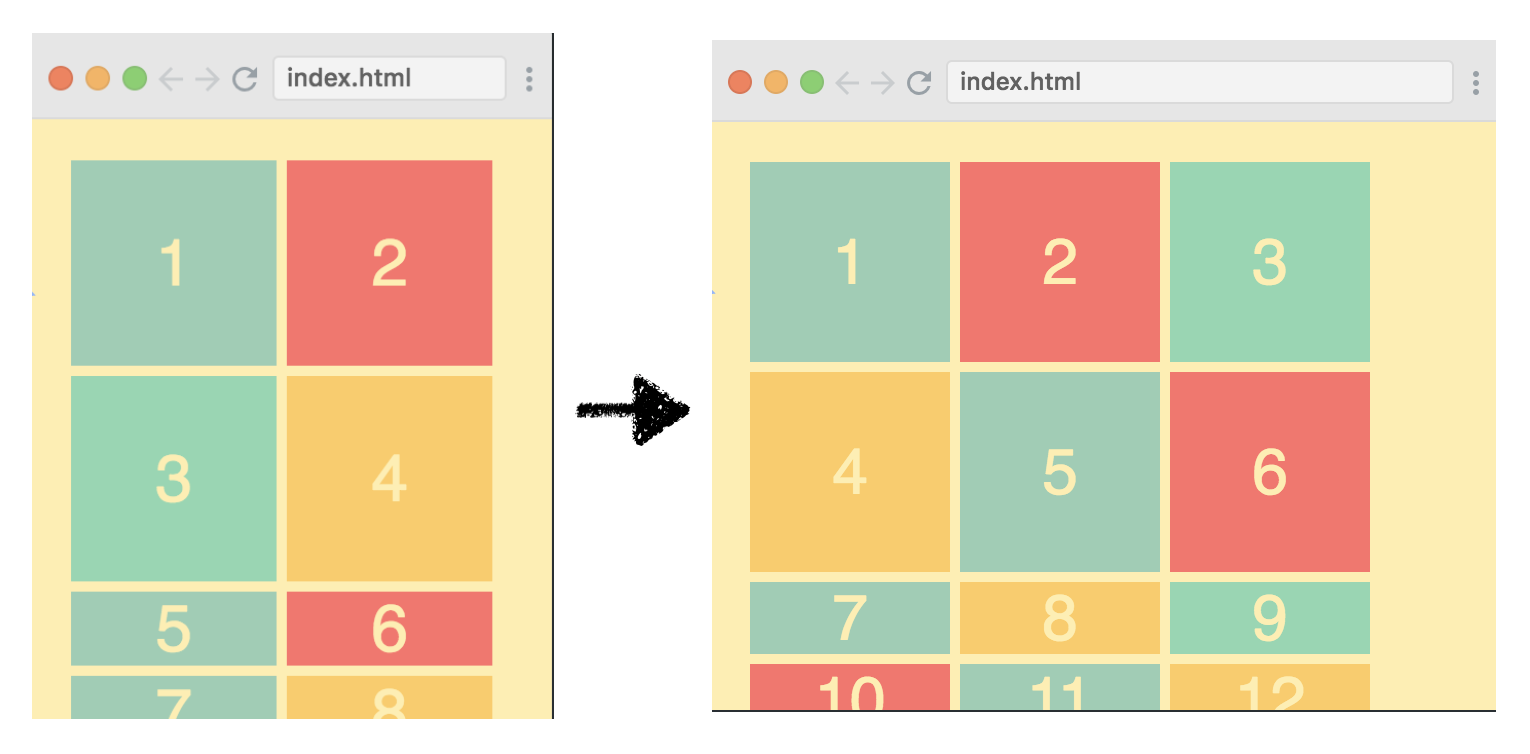
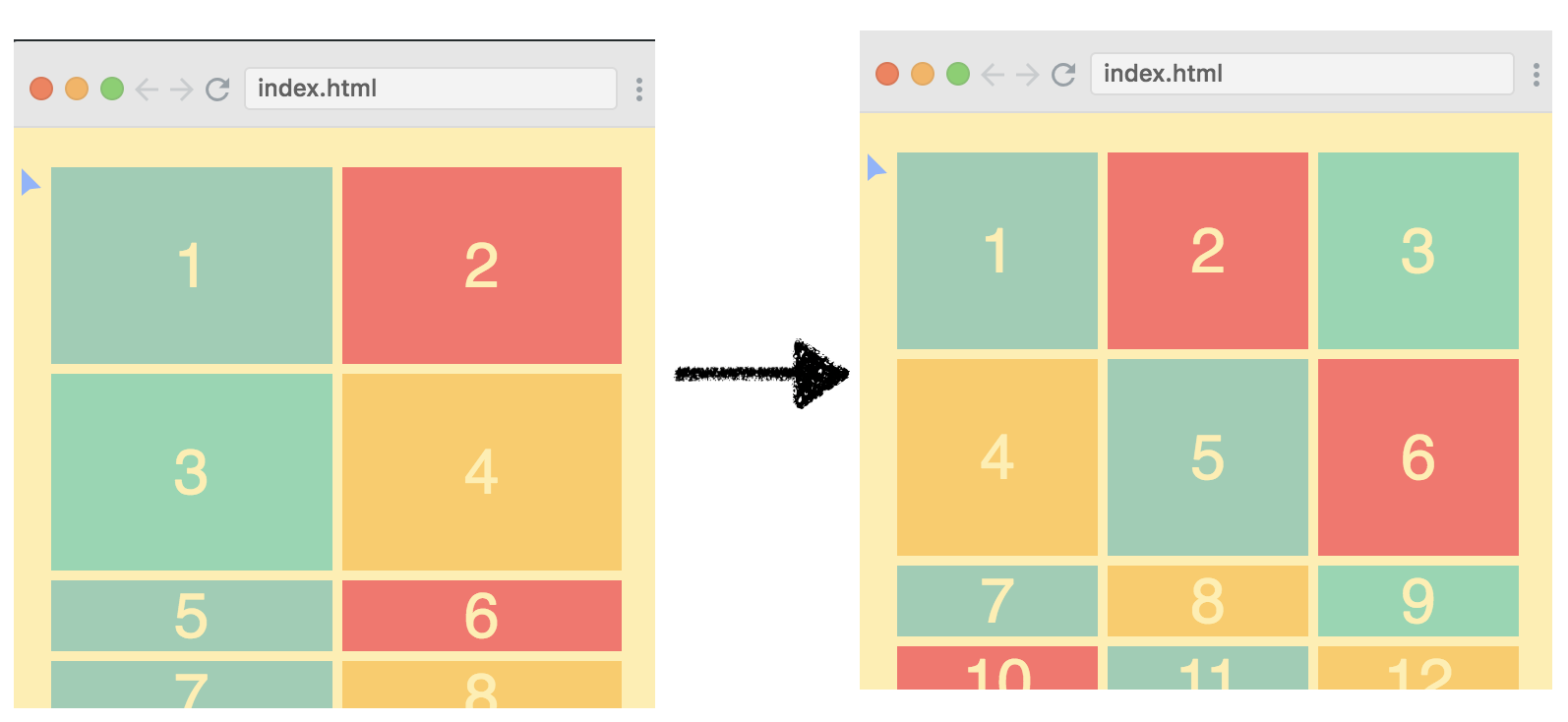
grid-template-columns: repeat(auto-fit, minmax(100px, 1fr));使用 auto-fit 和 minmax() 搭配完美解决这个问题, 每个 div 最窄 100px 最宽 1fr, 分别是在 刚好分配n个时候 和 刚好不够分配n个时候.
implicit rows
上一节解决了横向布局, 纵向布局没有做适配.
grid-template-columns: repeat(auto-fill, minmax(100px, 1fr));grid-template-rows: 100px 150px;这样第一行 100px 高度, 第二行 150px 高度. 那么往下的所有行都是最矮.
grid-template-rows: 100px 150px;grid-auto-rows: 100px;设置 grid-auto-rows 会让剩余的每行都是 100px.
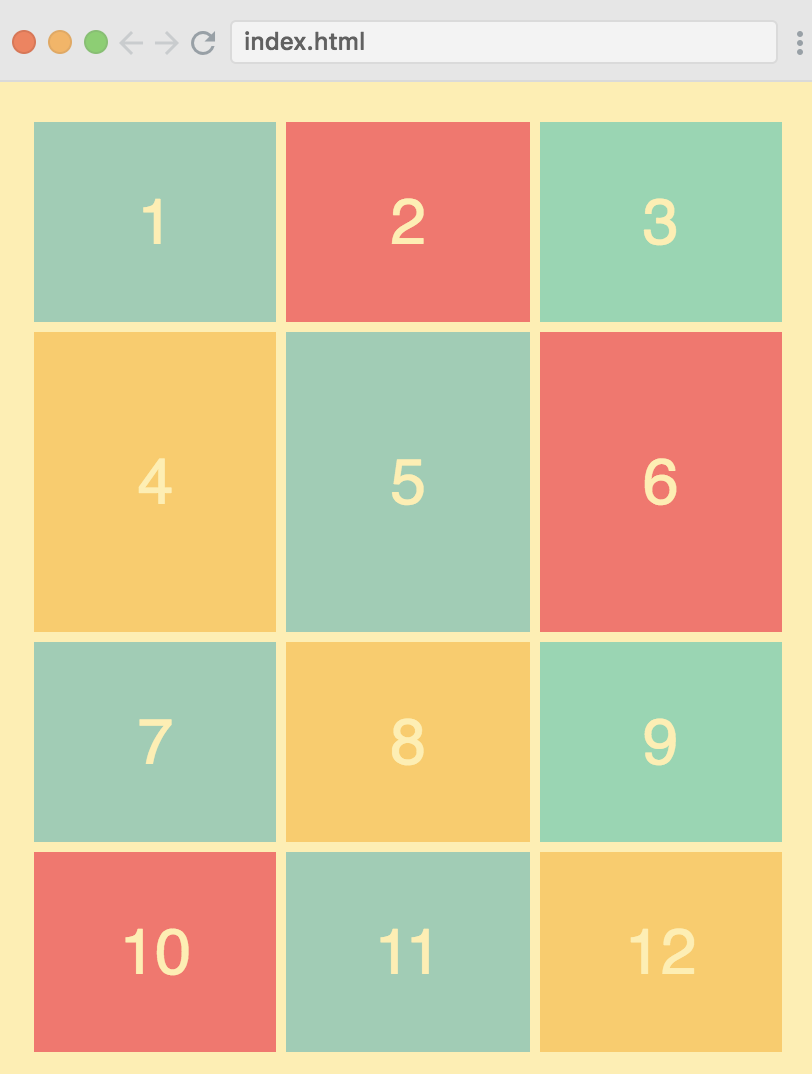
awesome image grid
上两节学的 responsive 都是指定子控件大小, 如果子控件有多种样式呢? 有的很宽, 有的很高, 有的很大?
.horizontal { grid-column: 1 / span 2;}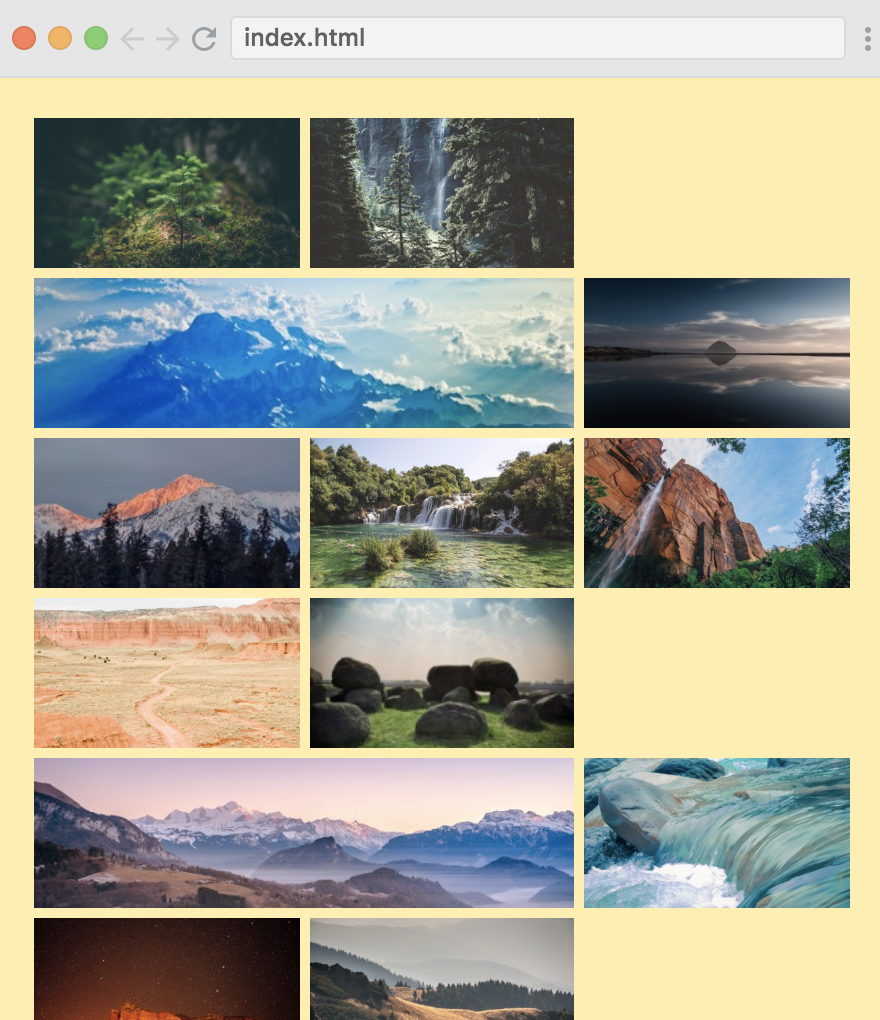
这种横向的图片 grid-column-start 不知道填几? 那么使用 auto 吧.
.horizontal { grid-column: auto / span 2;}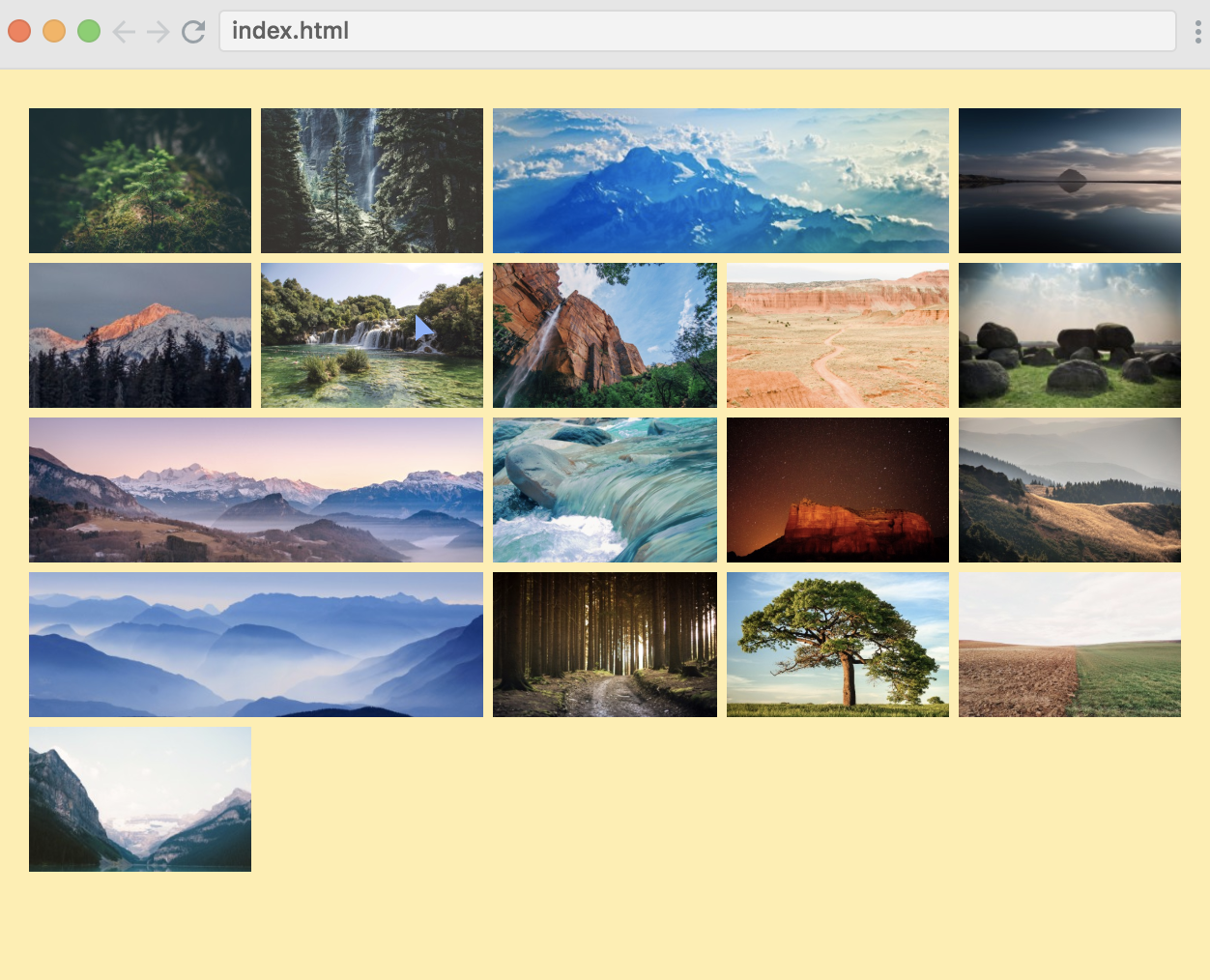
.horizontal { grid-column: span 2;}省略第一个, 相同的效果.
同样的, 纵向也如此设置:
.vertical { grid-row: span 2;}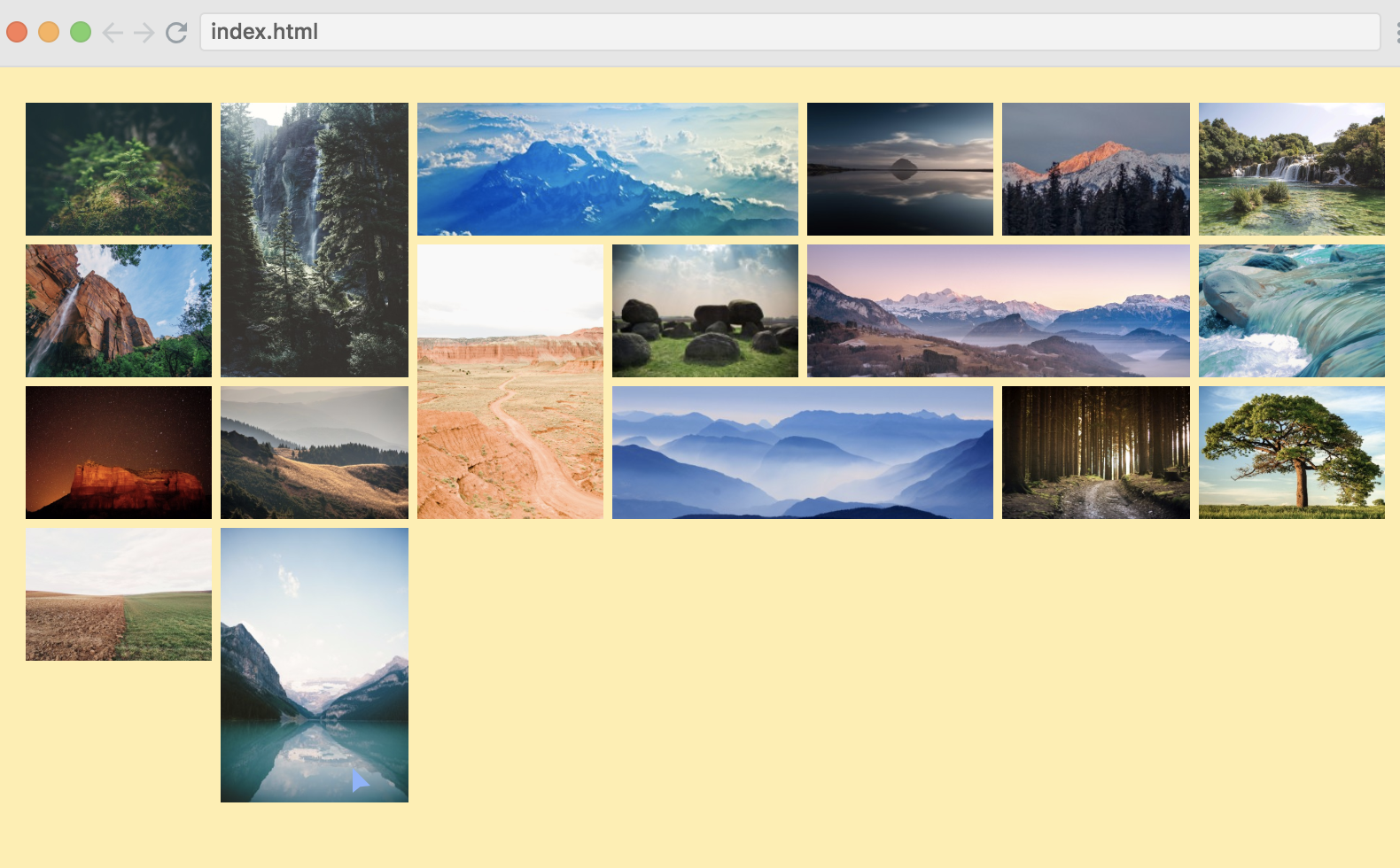
对于大图, 采用相同方法:
.big { grid-column: span 2; grid-row: span 2;}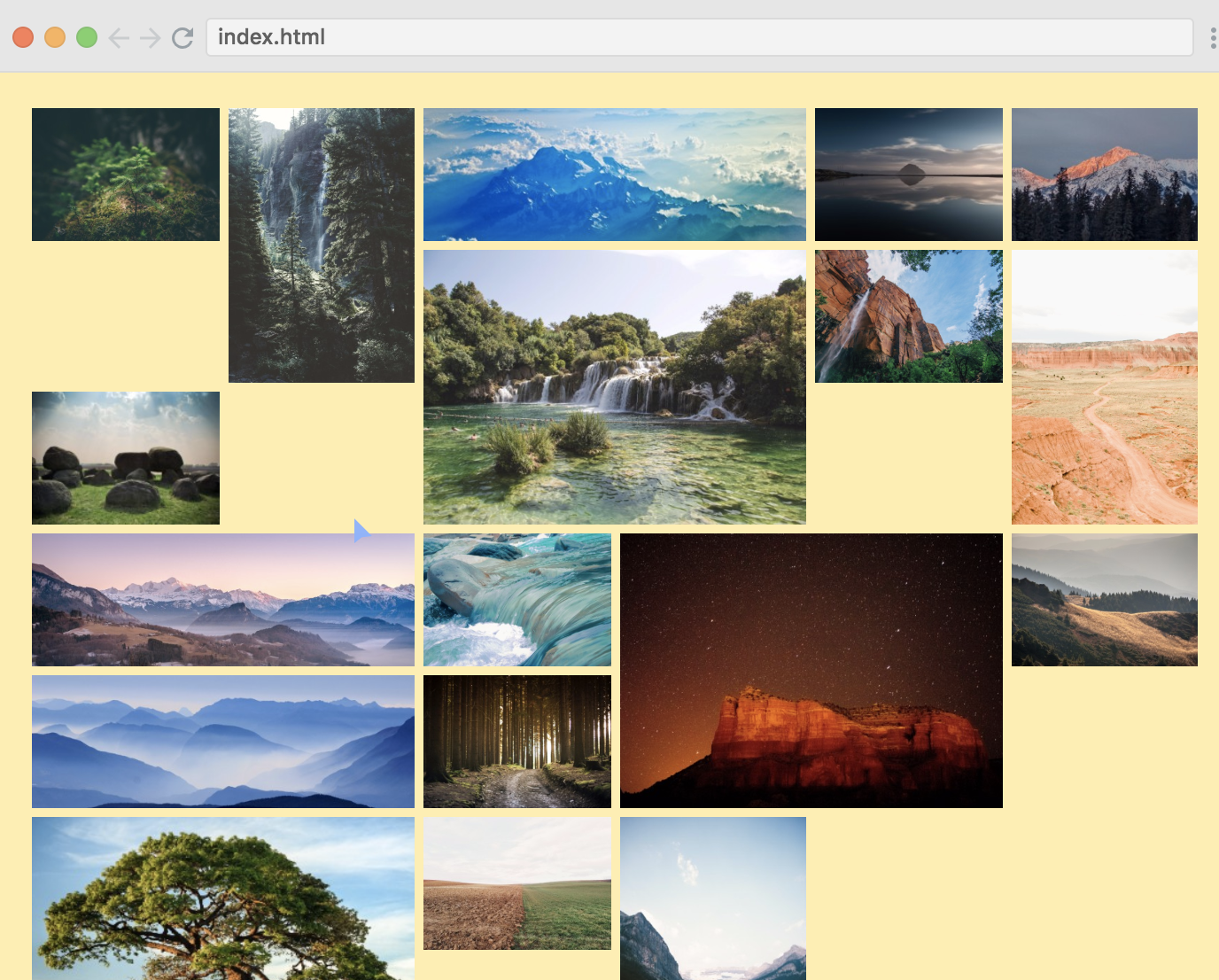
呃, 有问题了吧~
为了解决这个问题, 需要在 container 中设置 grid-auto-flow, 默认值是 row, 在这里应该使用 dense.
.container { display: grid; grid-gap: 5px; grid-template-columns: repeat(auto-fit, minmax(100px, 1fr)); grid-auto-rows: 75px; grid-auto-flow: dense;}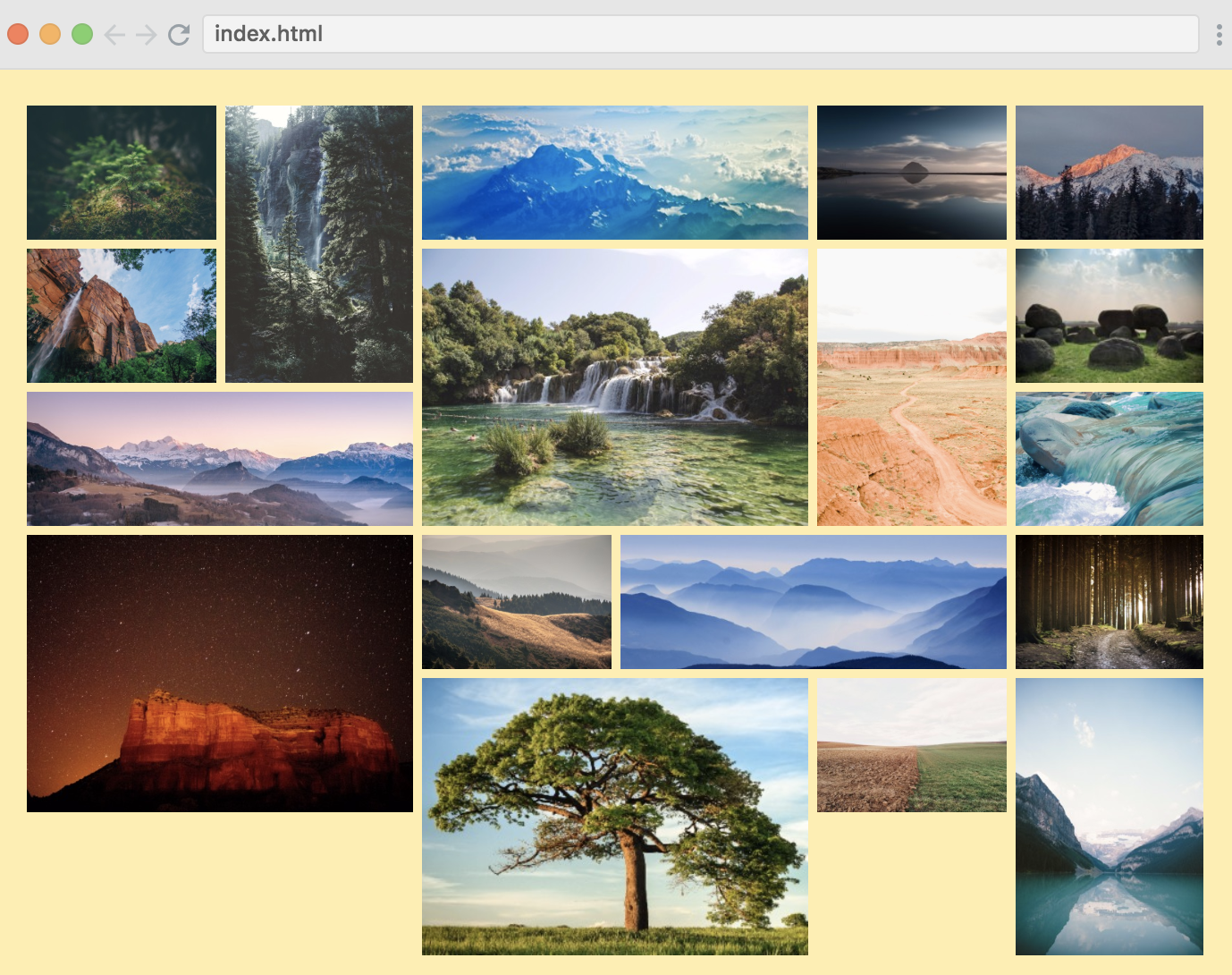
Named lines
.container { ... grid-template-columns: [main-start] 1fr [content-start] 5fr [content-end main-end]; ...}.header { grid-column: main-start / main-end;}.content { grid-column: content-start / content-end;}这里给 line 起名中间有个 dash -, 有神奇作用:
.header { grid-column: main;}.content { grid-column: content;}同样 rows 也可以这样使用:
.container { ... grid-template-columns: [main-start] 1fr [content-start] 5fr [content-end main-end]; grid-template-rows: [main-start] 40px [content-start] auto [content-end] 40px [main-end];}grid-row: content;grid-column: content;同样可以省略:
grid-area: content;Justify-content & align-content
justify-content: center;align-content: center;和 flex 一样的效果:
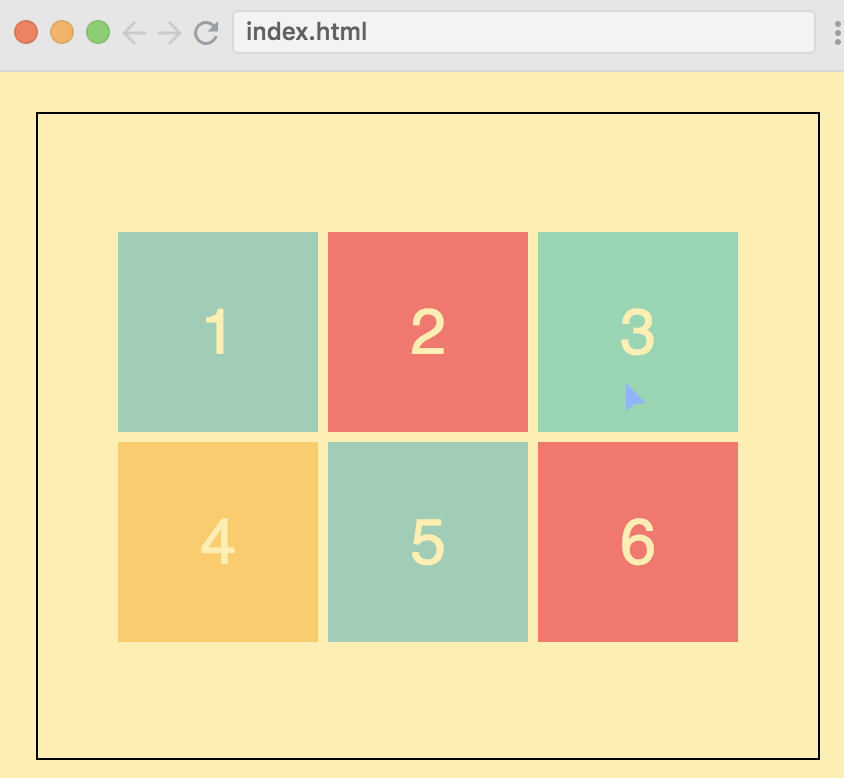
对应的, justify-items, align-items, justify-self, align-self 也有, 个人感觉使用场景不多.
auto-fit vs auto-fill
grid-template-columns: repeat(auto-fit, minmax(100px, 1fr)); grid-template-columns: repeat(auto-fill, minmax(100px, 1fr));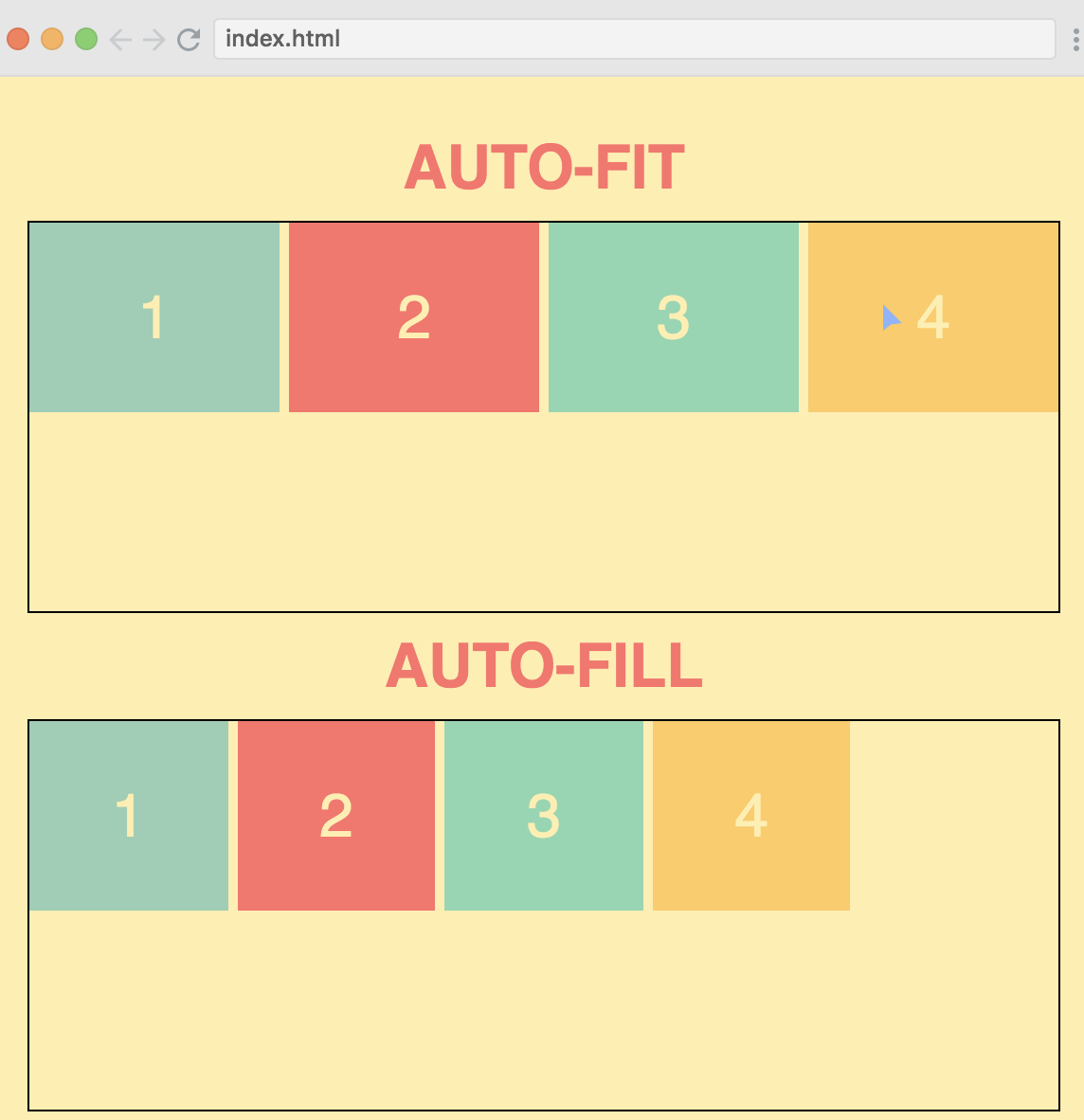
- 最新
- 最热
- 最早
- 作者